We’ve significantly expanded QookieQloud’s design customization engine! QookieQloud now supports separate light and dark mode customization, forced theme options, and dedicated logos for each mode — giving you complete branding flexibility.
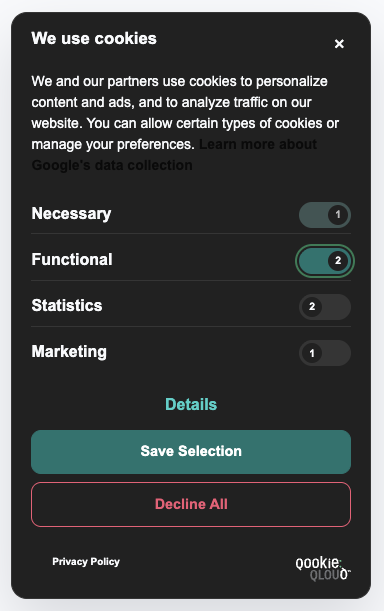
What’s new in Theme Customization
Independent Color Palettes
Set individual background, text, border, and button colors for light and dark environments.
Flexible Mode Switching
Choose between Auto (matches visitor OS setting), Forced Light, or Forced Dark mode.
Dual Logo Upload
Upload separate light and dark logos to ensure perfect contrast and aesthetic balance.
Live WCAG Validator
Real-time contrast ratio checks ensure your colors meet WCAG 2.1 AA accessibility guidelines.
These new options give you complete control over the look and feel of your consent solution, helping you deliver a polished, on-brand experience for every visitor.
Explore our step-by-step guide on configuring layouts, colors, and accessibility settings.
Read Customization Guide →